

When choosing a music streaming service, Apple users are generally more likely to opt for Apple Music , which makes sense given its deep integration with their products. However, one of the biggest questions is how to use this service on Windows computers.
And the fact is, apart from the possibility of enjoying this service on their products, the truth is that if you have a computer with Windows you can also enjoy this service without any problem, just as happens with other devices such as Android mobiles.
So you can use Apple Music with any Windows computer
As we mentioned, although it's not the most common scenario, you can also enjoy Apple Music if you have a Windows computer. There are two ways to do this: you can download iTunes and use it on your computer that way, or you can use the official Apple website.
Use Apple Music with iTunes
The most common option is to use iTunes. To do this, simply download and install iTunes on your Windows computer and, once that's done, sign in with an Apple ID associated with an Apple Music account. When you do this, your library will automatically load, and you can listen to all your music without any problems, or even search for more if you wish.


Access through the web player
Another available option, especially recommended for non-personal devices and as an alternative to iTunes, is to use Apple's web player . To do this, simply go to music.apple.com from any browser , log in with your Apple ID, and start enjoying your music just like on any other device.
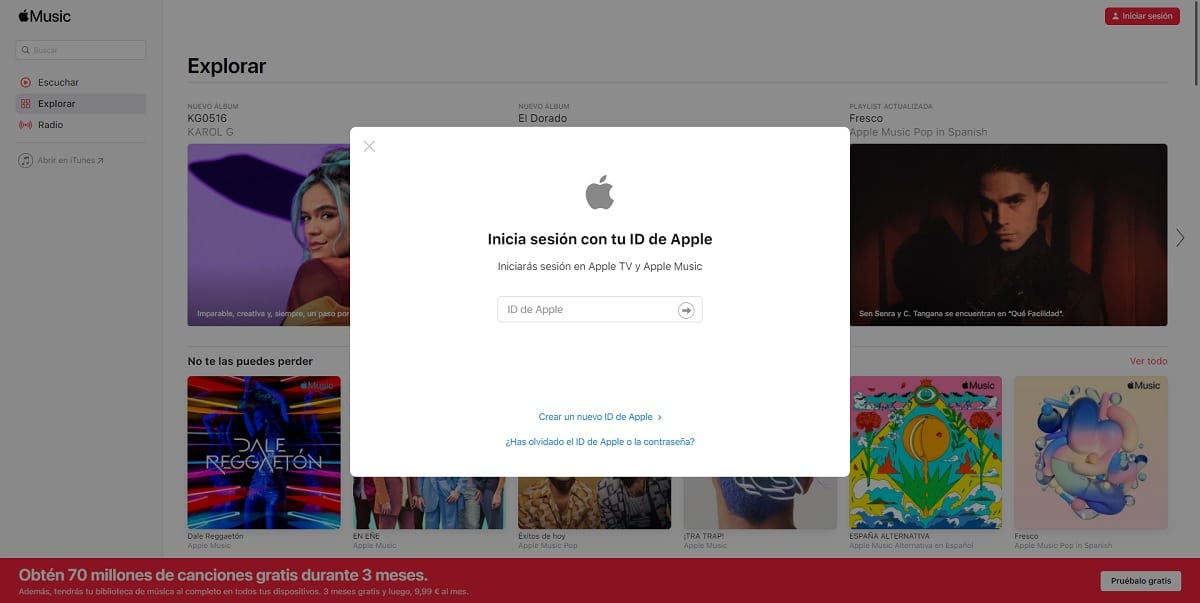
Table of Contents