

ByteDance , the creators of TikTok , launched the CapCut app some time ago, which quickly rose to the top of the most downloaded apps charts on both the Google Play Store and the Apple App Store. Available on Android and iOS devices, CapCut is now also available for PC via the Google Chrome browser or using an Android emulator.
CapCut is an interesting video editing application, made in China and completely free. In principle, its options are oriented towards vertical TikTok videos, although it offers endless possibilities for the most creative users.
What is CapCut used for?
The CapCut tool was created so that the editing of short videos in vertical formats (those of TikTok) was fast, simple and intuitive. In other words: that it was within the reach of any user, without the need for overly complex technical knowledge.
But that doesn't mean this is just another video editing app. Its simplicity is precisely what sets it apart from other similar apps. Simplicity is often a great virtue. And with CapCut, it's really easy to upload a video and edit it.
What can we do with this app? There are numerous possibilities. All the typical features you'd find in a video editor, as well as some others specifically geared towards TikTokers, so their videos have a more eye-catching finish. Here's a brief summary:
- Basic functions: cut, add images, change playback speed, go forward or backward, paste multiple videos, etc.
- create transitions which can then be applied to videos and texts.
- Insert different text formats, stickers or emojis. All of them can be added manually or automatically.
- Add music, even the one protected by copyright, thanks to its integration with TikTok. In addition to this, CapCut has a very complete gallery of sounds divided into several thematic categories. It also offers the ability to record or load external sounds.
- Create animated titles through a series of templates, both in 2D and 3D.
- Apply filters and masks. There is a wide range of designs that can also be configured, regulating their intensity, with many customization possibilities.
- Possibility of sharing the edited videos on social networks: Instagram, Facebook, Whatsapp, etc.
Reliable, versatile and practical. With all these features and benefits, it's no wonder that CapCut has become the preferred tool for millions of people around the world.
Download CapCut for PC
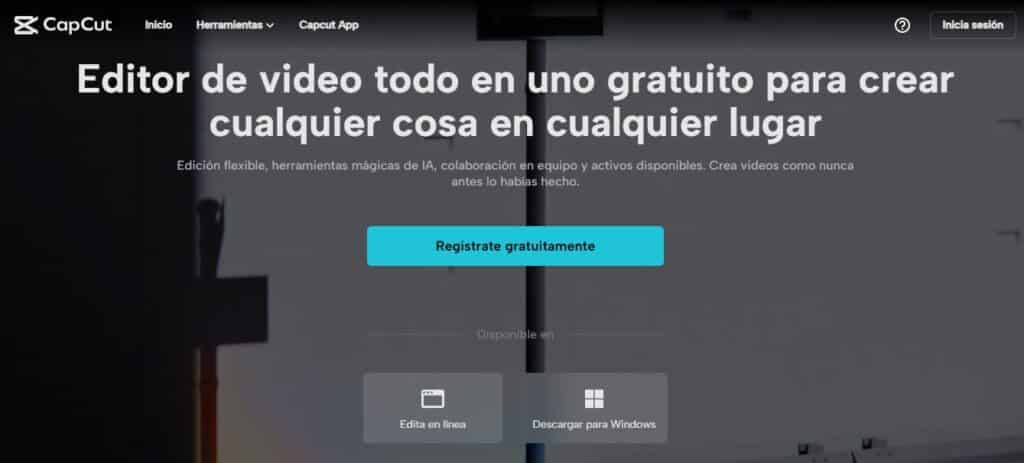
CapCut for PC has recently become available for download directly from its website . This appears to be the ideal option for those with a Windows 7 computer. Alternatively, if your PC is running Windows 10 or Windows 11, you can also install CapCut from the Google Play Store.
However, the installer from the official website is always the most recommended option, since this will allow us to be up to date with the latest updates, which are not always available on time in the store.
Another reason to choose the download from the web is that there you will find the application available in six languages (French, German, Italian, Portuguese, Chinese and Spanish), while in the Google Play Store there is only the English version.
Minimum installation requirements
Below is the list of system requirements to install CapCut on a Windows computer. The minimums (on the left) and the recommended ones (on the right):
- Operating System: Windows 7 or 8.1 (64-bit) – Windows 10 (64-bit) or later.
- Processor: 6th Gen Intel Core/AMD Ryzen 1000 series or higher – 8th Gen Intel Core/AMD Ryzen 3000 series or higher.
- RAM: 8 GB - 16 GB
- Video Card: NVIDIA GTX 900 series/AMD RX560/Intel HD 5500 or better – NVIDIA GTX 1000 series/AMD RX580 or better.
- Video memory: 2GB VRAM – 6GB VRAM.
If you don't have a PC that meets the requirements to install this program, you can always use CapCut from a web browser without any problems . Naturally, the web version is the more desirable option, as it allows you to work and edit your videos much more smoothly. The explanation is simple: in the web version, you first need to upload the files you want to edit to the CapCut cloud; however, with the application installed on your computer, everything is saved on the same machine.
Alternatives to CapCut for PC
If the application does not convince you or your PC or meets the requirements for its installation to be possible, there are other alternatives that may be able to help you. Here are some of the best:
- Clipchamp, which provides a large number of effects to achieve professional-quality videos.
- Filmora, the popular and powerful video editor.
- Movavi, with a simple and clear interface, but full of possibilities.
- OpenShot, a feature-rich cross-platform video editor.
Table of Contents