
A few days ago we showed you "How to set a different wallpaper in Windows 10 ," and today we want to go a step further and show you how to change the wallpaper on the Windows 10 start screen , that is, the one we see right before logging in, which you and I thought until a few minutes ago couldn't be changed to one we liked.
In this login screen we find the official Windows 10 wallpaper, and that Microsoft officially does not give us the option to change it, but many users are already "searching" within the new software from Redmond and have already found the possibility to change this background.
To do this, we will need to use an unofficial application, created by an independent developer (this means we must be careful when using it), called Windows 10 Login Image Changer, which you can download from the link we have provided at the end of this article.
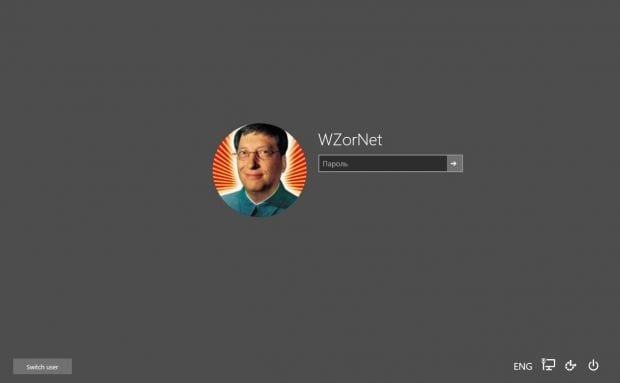
The idea is quite interesting, as the login screen background isn't exactly the prettiest thing you'll find. However, what we dislike most is that the change has to be made through an official application, with Microsoft seemingly forgetting to offer this option for some reason we don't yet understand.
Ready to change the background of your login screen?
Download – Windows 10 Login Image Changer