

The image tab that appears in Google search results offers millions of images of all types, sizes, and qualities. It's all at our fingertips. But be careful: not all of these images are free to use, so it's important to know how to find unlicensed photos on Google.
Depending on how we intend to use these images, this point can be more or less important. If we're only going to download photos for private use, there's no problem. But it's different if we're going to use them to publish on websites, blogs, and other internet sites, or if we're going to use them for commercial purposes. In those cases, we need to be very aware of the legal issues.
Copyright laws protecting intellectual property shouldn't only concern us when downloading music or movies from the internet; they also affect other content, such as photos and images found in Google searches. Not everything on the internet is free.
Image license types

Basically, there are three types of image license that we must know:
Public domain
They are contents whose copyright protection period has expired, therefore, they can be used without having to pay anything or request permission from anyone, for the use that is desired.
copyrighted
These images are fully protected and are the property of the author or the person to whom their exploitation has been transferred. Generally, they can be recognized because they are accompanied by the © icon next to the name of the image, or they are accompanied by a text that specifies their condition as private material.*
(*) In some cases, copyrighted images can be used simply by requesting permission from their owner.
Creative Commons
This is a type of license that is located halfway between the previous two. It was created specifically for the Internet. There are different types of Creative Commons licenses based on a series of criteria such as the obligation to acknowledge authorship, the possibility of commercial use or not, permission or not to transform the original image or create derivative works or not maintaining the same license.
Images for free use on Google
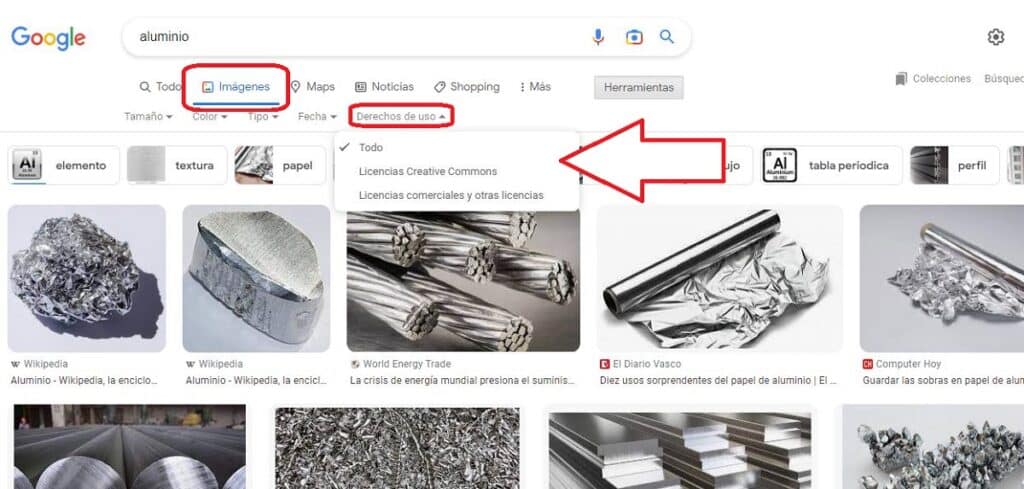
When searching for unlicensed photos on Google, the search engine itself offers a handy filter . This system will be really useful if you're looking for images and illustrations to use on a blog, an e-commerce website, or any other site.
When you get the results of a Google search, click on "Images" and then on the "More tools" button . This will display four options for filtering the photos under the Images tab:
- Size: any size, large, medium, icons.
- Color: any color, black and white, transparent, color palette…
- Type: any type, clip art, line art, GIF.
- Date: any date, last 24 hours, last week, last month, last year.
- Rights of use: everything, Creative Commons licenses, commercial licenses and others.
It's in this last section, "Usage Rights ," where we can filter the results. Applying this filter is very useful, although it's important to keep in mind that it's not a foolproof method. Sometimes, copyrighted images "slip through" into Google and appear as free to use, so it's always a good idea to check beforehand. It's usually enough to go to the original publication page and see if the website has a Creative Commons license or not.
Image banks
If we want to use images for any purpose without worrying about breaking any laws, the best thing we can do is use a free image bank.
No need to worry anymore about finding unlicensed photos on Google: these websites offer access to thousands of photos and illustrations that can be used for free. You do, however, have the option to credit the author (usually through HTML text ) and the possibility of rewarding the author with a small voluntary donation. Here are some of the most highly recommended image banks:
Pexels
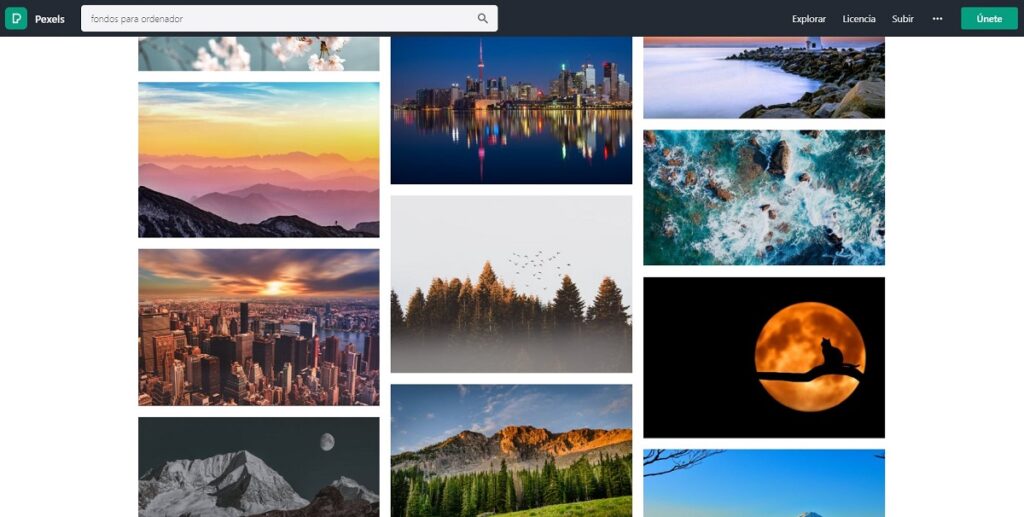
A great site where you can find high definition images signed by professional photographers. All the photos we found in Pexels They are offered under the CC0 license, that is, free of rights, so they can be used, changed and distributed without copyright conflicts.
Link: Pexels
Pixabay
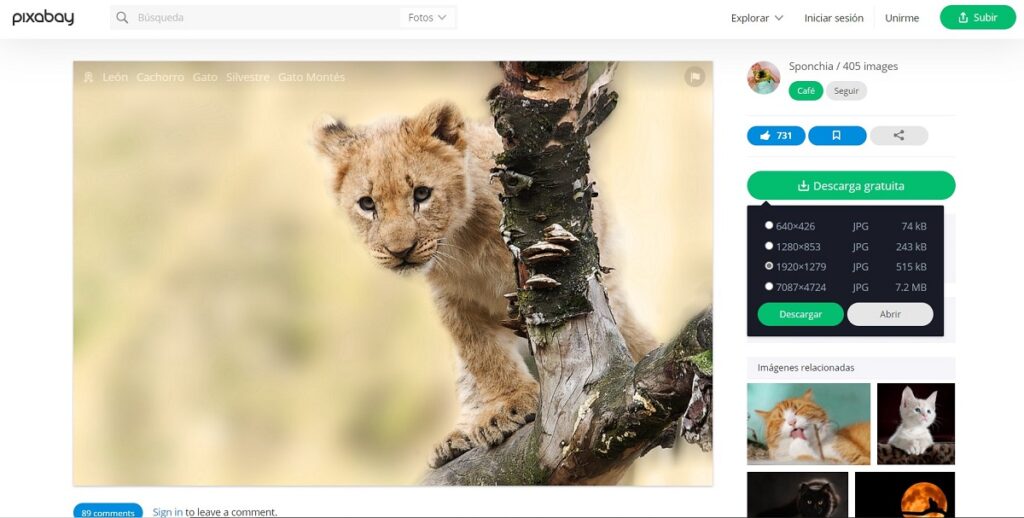
Another great alternative for finding high-quality photos on a wide variety of topics is Pixabay. In addition to filtering images by license type, you can also filter by size and resolution, depending on your intended use.
Link: Pixabay
Unsplash
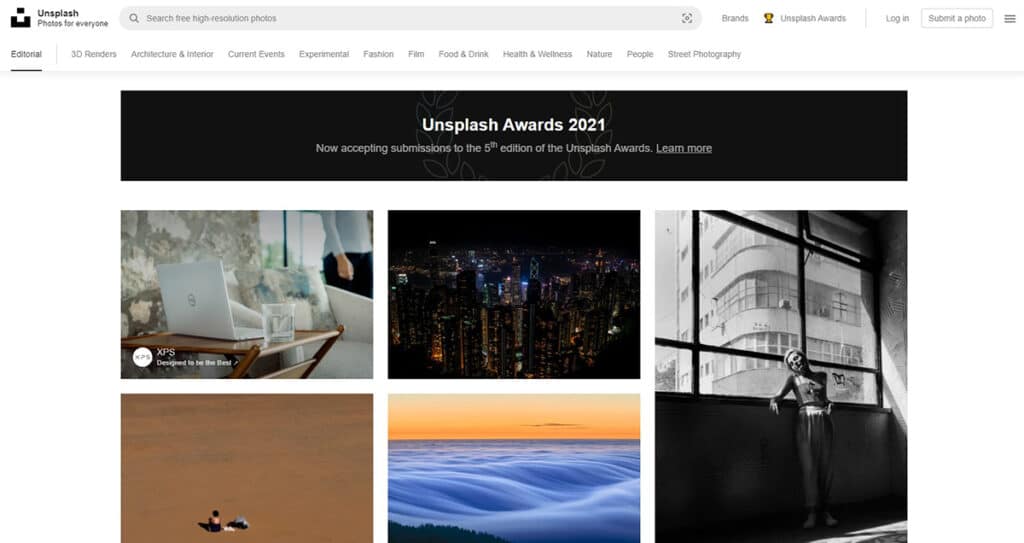
Just as popular, if not more so, than the two previous websites, Unsplash is a place where you'll find thousands of high-quality images on every topic imaginable. It offers a handy search engine and various download options.
Link: Unsplash
Table of Contents