

Over the years, some operating system versions are always fondly remembered by users. Windows 98 is one of them, and it remains quite popular even today. For Windows 10 users feeling nostalgic, there are some great options available. It's possible to have the icons from previous versions.
In this case, the goal is to obtain the Windows 98 icons so that interested users can use them on their Windows 10 computers. This changes the computer's appearance very easily. What do you need to do?
Many users want to give their computers a retro look , and using Windows 98 icons is a great way to do this. This will restore the appearance to that of this popular version of Microsoft's operating system. Obtaining these icons is very easy, as there's a website that provides the original icons.
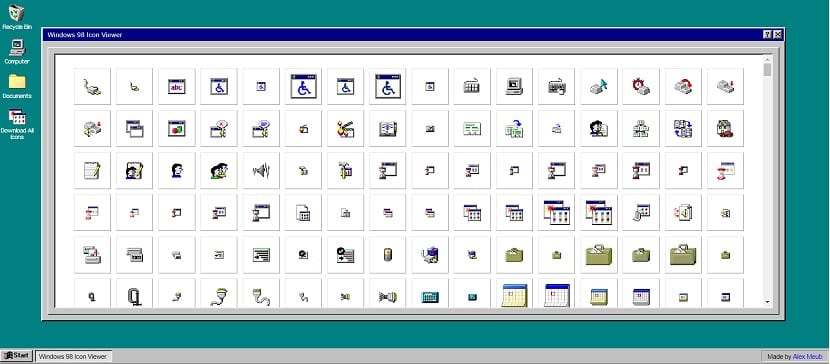
This website features the original Windows 98 icons , which can be used on a Windows 10 computer without any issues. This will help users completely transform the look of their computer in a simple way.
You need to download these icons for Windows 10. Since they download as PNG files, you first need to convert them to ICO files so you can work with them. Once you've done that, go to your computer's settings and then to personalization.
In this section, there's a subsection called "Themes" where you'll find the option to modify the icons. It's there that you'll need to follow the steps to use Windows 98 icons instead of Windows 10 icons. Undoubtedly, this is a very interesting way to change the appearance of your computer.