

It's very likely that when you browse using Google Chrome on your computer, you have several tabs open . This is very common when using a computer browser. Therefore, it's probable that you're listening to music in one of them, perhaps using YouTube. At some point, you might start hearing sound in another tab, which can be annoying.
Unfortunately, Google Chrome doesn't have a built-in feature to mute individual tabs . We have to use other tools for this. However, if that's what we want, there's a way to do it easily.
In the past, Google Chrome had a feature that allowed us to do this . However, for reasons unknown, the company has removed this feature in recent versions. It's a shame, because it was incredibly useful. Fortunately, a browser extension is now available. This extension allows us to mute tabs individually.
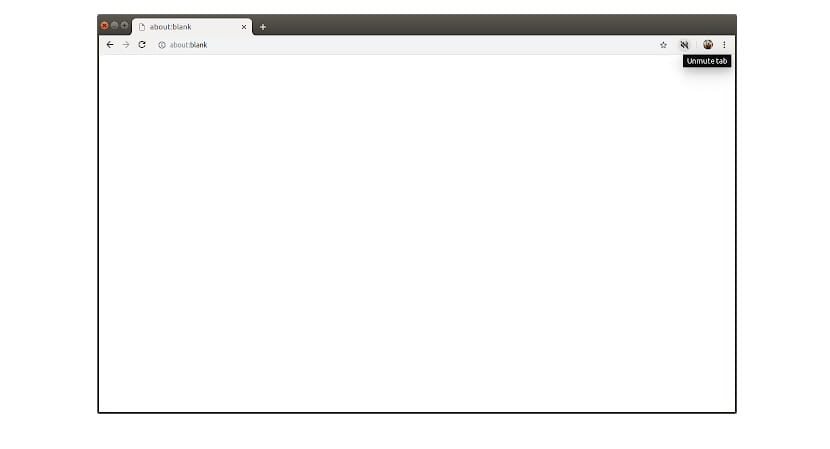
The extension is called Tab Muter , which you can find in the browser's extension store at this link . It's very easy to use. It displays a small speaker icon, letting you know that there's sound playing in that particular tab. When you want to mute it, simply click the icon, and the tab will be muted, allowing you to use the browser comfortably.
If we want that tab in Google Chrome to play sound again, we just have to click on that icon again . The sound will then return to that tab. It's a really convenient way to manage individual tabs in the browser, so it's definitely worth using.
This is a completely free extension . Furthermore, as you can see, it's incredibly easy to use. So, for those looking for a good way to add this functionality to Google Chrome, this extension is the perfect solution.