

One of the standout features of Windows 10 is its extensive customization options for many on-screen elements. You can personalize your Windows 10 lock screen image with either a custom image or a slideshow.
There's a third option that lets you activate 'Windows Spotlight ,' which searches Bing for images and sets them as your desktop background. Since these images are stored in your system's physical memory as temporary files, if you like one, you can "catch" it and set it as your desktop wallpaper. You can even automate this process with Lock Screen Reflection.
Lock Screen Reflection is a Windows feature that sets the "Windows Spotlight" or " Windows Spotlight " image as your lock screen background. It only works if this feature is enabled on the lock screen.
How to put the "Windows Featured Content" image as wallpaper
- Let's go to Configuration
- Let's go to Personalization
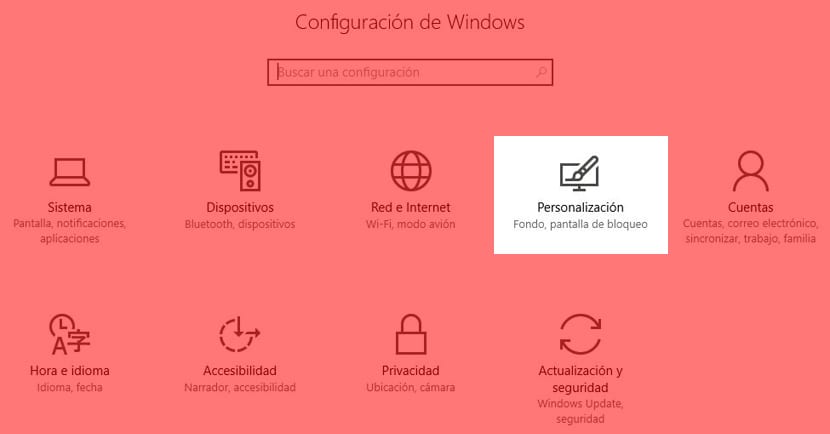
- Now to Lock screen
- We select in Fund «Featured Windows content«
- We download Lock Screen Reflection
This app doesn't need to be installed . Whenever you want to change your Windows 10 lock screen image, simply launch it. It will update your wallpaper to match the lock screen background.
What this app really saves you is going through the whole process of setting up the image, since it neither works automatically nor periodically checks for new lock screen images.
The code can be changed to expand, repeat, or center the image:
lsr.exe "C: \ images \ My Image.jpg" 2
The only drawback is that you have to launch Command Prompt to use that line of code. The best solution is to create a shortcut on your desktop, and then click on it whenever you like a background.