

Today, the design of a smartphone's interface can mean the difference between captivating a user while browsing it or leaving them with a slightly dissatisfied expression, feeling as if they are playing with an older device.
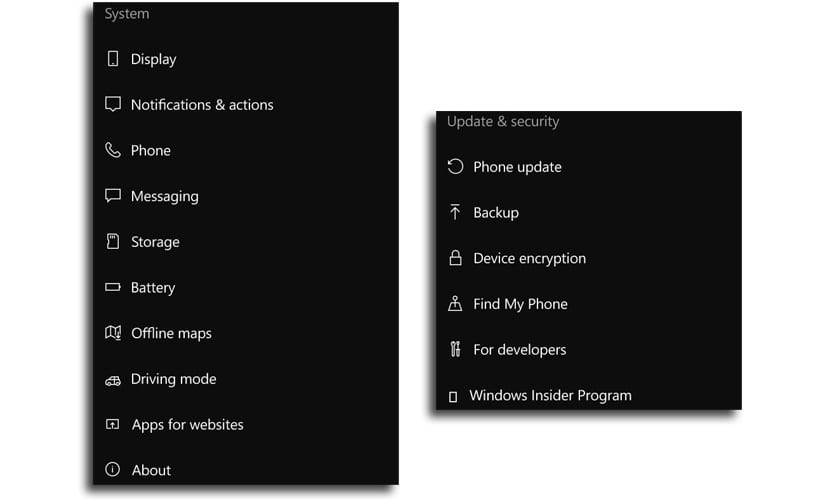
This is where, in a version or build of Windows 10 Mobile that is about to be released (specifically build 14342), Microsoft has added a touch of care and attention with a series of new icons for the settings. This design update will be included in the Anniversary Update for Windows 10.
As you can see from the shared images, a few icons have been replaced with ones that better show what the setting actually is that we will get when we tap it from Windows 10 Mobile.
Perhaps years ago, this kind of innovation wouldn't have warranted our attention , but nowadays, design languages are crucial for even differentiating between operating systems or apps. You can have an excellent smartphone with high-quality hardware, but if the interface is outdated and doesn't quite live up to expectations, those initial impressions might be minor, whereas a well-designed interface can be the final touch that makes for an outstanding product.
It should also be noted that device screens are of higher quality and pixel resolution has increased considerably, allowing for a nearly spectacular presentation of these UIs when a design language such as Android's Material Design and the one now operating in the upcoming Anniversary Update of Windows 10 Mobile is integrated.
Finally, Windows 10 Mobile can be decoupled from those icons and adapted to the Metro design.