

The internet is essential in today's world, offering many advantages. However, as we know, it also has its dangers. Therefore, it's important to know how to browse safely to avoid potential problems. In this regard, there are always some tips and tricks that can be very helpful for navigating the internet effectively.
Therefore, we've compiled some tips below that can be very helpful in this regard. This way, we can browse the internet safely and avoid many problems. By doing so, we won't give potential attackers or any other online threats much of an advantage.
Password manager
We use passwords almost daily for many websites these days . These passwords grant access to a vast amount of personal data, so it's crucial to protect it as effectively as possible. Therefore, in addition to creating strong passwords, we need to take extra precautions to prevent attackers from obtaining them. In this regard, using password managers is the best solution.
Modern web browsers typically have their own built-in password managers . While these aren't the only options, we can also use many others like LastPass or 1Password. These services help protect our passwords effectively, preventing us from becoming victims of theft.
Encrypt devices
In the worst-case scenario, if an attacker manages to steal your laptop or your login credentials, we have a backup plan: encrypting the device itself . This way, a password would be required to view its contents. Thus, if someone has gained access through a vulnerability or malware online, we can prevent them from progressing further.
Most operating systems now allow you to encrypt your hard drive. In the case of Windows, you can use an application called BitLocker , which most of you are probably familiar with. Thanks to it, we can carry out this process easily and very securely.
Use VPN
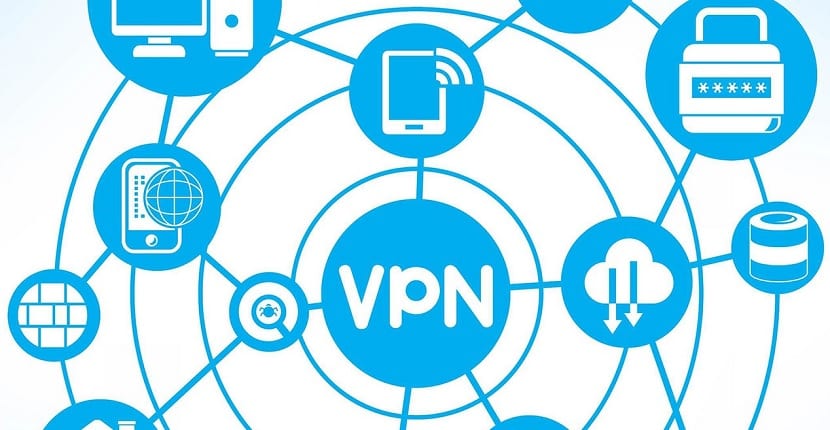
Perhaps the best way to browse the internet safely and privately is to use a VPN . Months ago, we explained what VPNs are , and how they can be set up on Windows 10 without much trouble. Their presence is growing in the market, especially among businesses that use them for their employees. But there are also applications that allow you to browse the web with minimal problems.
We've already compiled a list of the best VPNs you can use to browse the internet. Thanks to them, your browsing data isn't saved, and nothing about your online activity is known. This undoubtedly allows for the most secure and private browsing experience at all times. Without a doubt, if you want to browse the internet securely, you should use a VPN.
The reality is that safe and private browsing starts with choosing the right browser . Some browsers offer significantly more privacy, allowing you to browse the internet with greater protection of your data. There's a good selection of secure browsers available , which are definitely worth considering. This way, you can protect your privacy and security online.
Therefore, it's important that you, as a user, consider the decisions you make in this regard . Some browsers are much more concerned with keeping their users' data well protected, significantly increasing their online privacy. This allows you to browse the internet in the best possible way thanks to them. It's wise to learn which browsers are the best in this respect, as there are many differences.
Private mail service
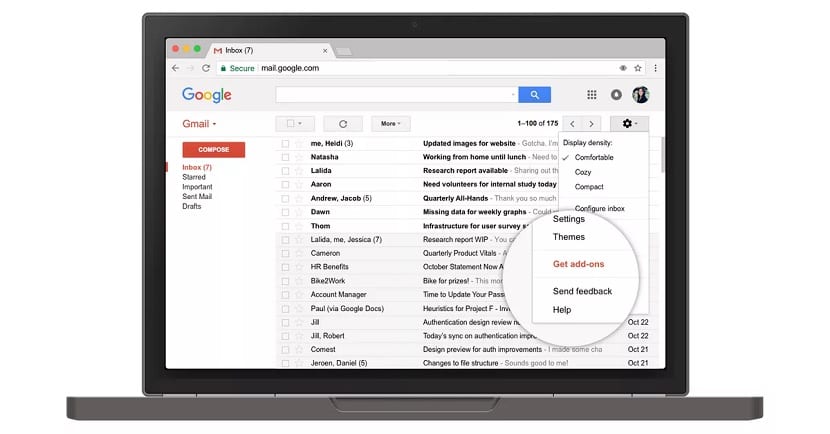
The same applies to the email service you choose. A couple of weeks ago, we showed you the best options currently available . Some email platforms stand out for being much more private than others. They offer features designed to protect user information at all times, such as end-to-end encryption or the option to self-destruct messages.
These types of features are essential for protecting users' security and privacy online. They also make it much more difficult, or nearly impossible, for users to fall victim to an attack that could leak their messages online. Choosing the right solution is key. Platforms like Proton Mail are arguably the best way to maximize user privacy.