

When we delete a file from an SSD or any other storage system , the file isn't actually erased permanently. What happens is that we're granting the system permission to overwrite the data . That's why we can recover deleted files using the many tools available.
If we want to ensure that all files on a drive are erased, then we need to format it. Of the various types available today, the safest is low-level formatting . What does this type of formatting involve? We'll explain below.
Low-level formatting replaces all the zeros and ones on the drive . This restores the drive to its factory-fresh state. It's a highly effective method because it doesn't erase any files . Therefore, it should only be used when absolutely necessary, as otherwise, you could lose a significant amount of data.
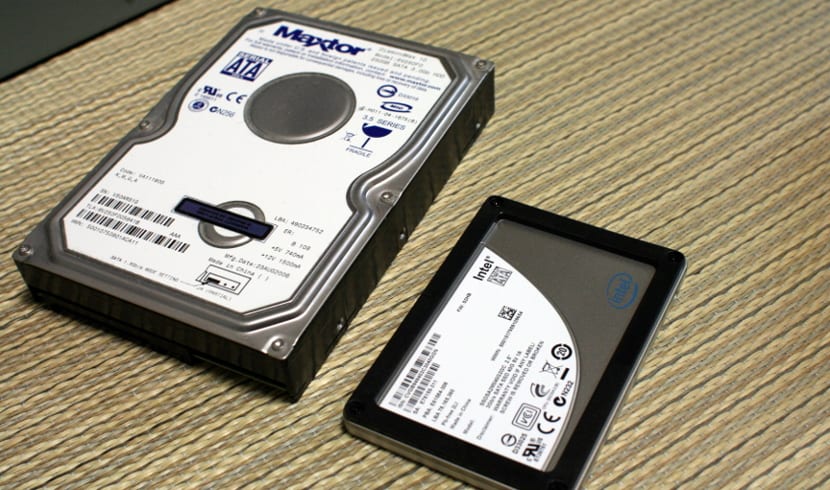
If you're thinking of selling or giving away your hard drive or SSD, a low-level format is a good option . This way, no data remains on the drive, and someone else can use it. There are many situations where you might use this method. But it's important to be aware that all data will be erased.
Currently, there are several tools that can help us perform low-level formatting. One of the best options is HDD Low Level Format . It's a very comprehensive and easy-to-use software. It's also a very safe option that helps us avoid major mistakes.
Therefore, if you want to delete all the files stored on a disk drive, whether it's a hard drive or an SSD, low-level formatting is the most effective option of all.